

How to run a Speedtest
We use http://speed.apg.ooo to check for network issues between your end and our servers.
This tool is accurate and gives us information on where you might have a problem if you have buffering/freezing issues.
*This guide is for the Startup Show/ApolloGroup TV app
As you open the Startup Show/ApolloGroup TV app, you will have a menu.
Go to the profile section (a picture of a man with a red circle in the picture )
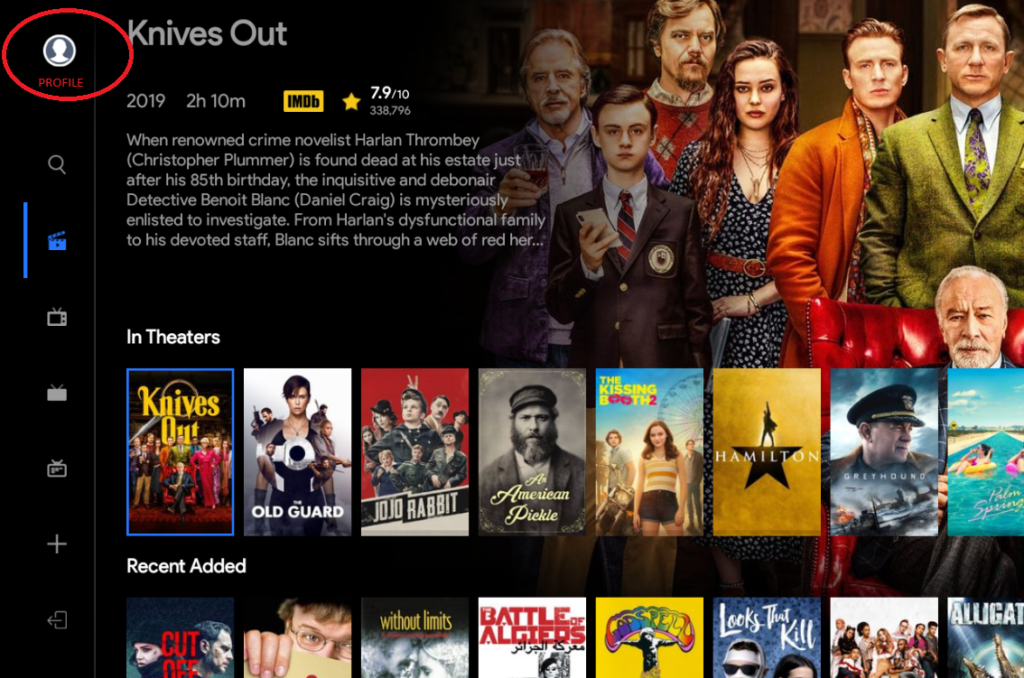
Then, as you open that section, you will see info about your account.
Then, as you scroll down, you will see a button: “Launch speed test”.
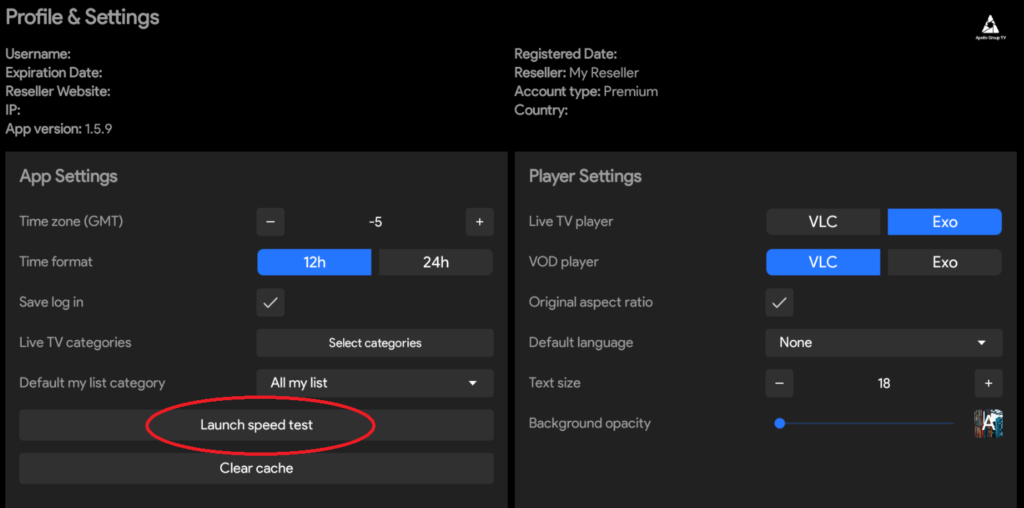
As you click it, our http://speed.apg.ooo will start to run.
Give it a minute to finish.
It will run A nearby server test, and Live and VOD test as well.
Once it’s done, and you still experience an issue, please take a screenshot of that and send it to us via [email protected]
Don’t blur any info, since we need it to see what’s going on.
